I spent weeks running through different local LLMs on my workstation, trying to find the right balance of reasoning, speed, and VRAM efficiency. The journey took me through MiniMax 2.5 and 2.7, five different coding environments, and finally to a setup that actually works for my daily workflow. Here’s what I discovered.
The Hardware
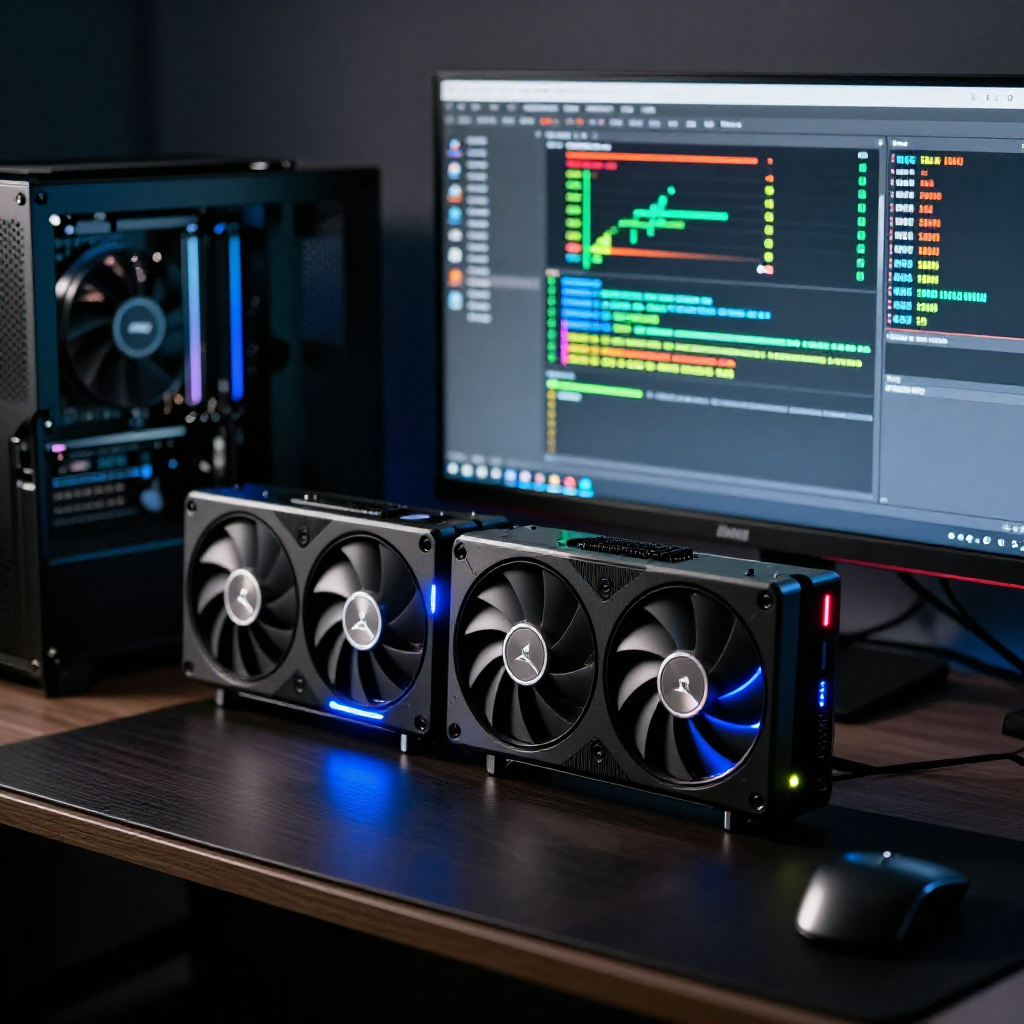
My workstation has two GPUs: an RTX PRO 6000 Max-Q (96GB VRAM) and an A4000 (16GB VRAM) for a combined 112GB of VRAM. Both have been used for inference at different points, but with my current setup the split is clean:
- RTX PRO 6000 Max-Q handles inference for my main model — it’s the speed king for this workload
- A4000 takes auxiliary VRAM-heavy tasks like image generation and ComfyUI work
This dual-GPU approach means I can push a heavy model on one card and still have the other available for creative work.
IQ2 Quantization Surprised Me
My first takeaway: IQ2 quantization punches way above its weight class. I came in expecting noticeable quality drops at that level of compression, but the results with MiniMax 2.5 and 2.7 at IQ2 were solid — right in line with K3 quantization expectations on larger models. I couldn’t believe how well they held up.
But here’s the thing I learned early: when working with larger models, reasoning capability matters more than raw accuracy. MiniMax at IQ2 quant gave me better results than a smaller, more precisely quantized model — especially for the kind of multi-step work I actually do.
The MiniMax Models Were Great… Until They Weren’t
Here’s what surprised me: MiniMax at IQ2 was the key. Specifically, the Unsloth GGUF build at IQ2 quantization was genuinely outstanding — it delivered solid quality and impressive reasoning at a fraction of the VRAM cost of the full-precision models. I tested them with one-shot coding challenges — asking each model to build complete games from a single prompt, like Tetris clones and adventure-style platformers.
The MiniMax models handled these well. But as I pushed them harder, I started hitting walls: the full-size models’ VRAM consumption limited how much context I could use, and running multiple tasks concurrently became a bottleneck. I was trading flexibility for raw intelligence, and it wasn’t paying off.
How I Tested Coding Environments
Alongside model testing, I went through a gauntlet of AI coding assistants to see which ones actually made the models perform at their best:
- Cursor — The clear winner. It just worked.
- VS Code — Came in second. It provided working results, but Cursor was just better.
- Roo Code — Promising open-source option
- Kilo Code — Works with hundreds of local and cloud models
- Cline — Strong agentic capabilities
The interesting part? The same underlying model could perform completely differently depending on the environment. Cursor consistently squeezed better results out of identical models compared to GitHub Copilot. It’s not the model itself — it’s how the environment feeds tools, context, and information to it. The tooling layer matters just as much as the intelligence behind it.
Why Qwen 3.6 27B Won
In the end, I switched to Qwen 3.6 27B (AutoRound int4 quantization via vLLM) and it became my daily driver. Here’s why:
It beat the MiniMax models in real-world testing. Not just benchmarks — actual work. Agentic tasks, scripting, code creation. In my own human evaluation testing, it even outperformed Claude Opus on several tasks. It was noticeably better than Qwen 3.5 across the board.
The smaller size freed up VRAM for what matters. At 27B parameters instead of 60B+, I could push my context window to a full 262K tokens. That means I can load entire codebases, long documentation, or complex multi-file projects and actually have the model reason through them.
AutoRound int4 gave the lowest KL divergence from the full model at a manageable size. It also supports MTP (Multi-Token Prediction), which lets me hit around 70 tokens per second even at high context lengths with multiple concurrent requests.
Concurrency became practical. I can run three or more agent tasks simultaneously — Cursor for coding, Hermes for autonomous work — and still have the A4000 free for image generation or other VRAM-heavy processing.
Production-ready split. I use LM Studio with GGUF format for quick testing and model discovery, but vLLM is where the real work happens. GGUF is great for testing, but vLLM’s performance at high context and concurrent requests is what matters for production.
The Takeaway
If you’re sitting at the same crossroads I was — local setup, looking for a model that can handle real work — give vLLM paired with Qwen 3.6 27B a shot. It’s a massive step up from Qwen 3.5, and for the kind of agentic, multi-tool workflow I run, it’s the best all-around choice I’ve found.
The hardware doesn’t need to be perfect, the quantization doesn’t need to be lossless, and you don’t need the biggest model available. You need the right balance of reasoning, speed, and efficiency — and for my dual-GPU setup, that balance landed squarely on Qwen 3.6 27B.
This is my experience with a single RTX PRO 6000 Max-Q. Honestly, with this setup and Qwen 3.6, I’m really happy with the performance and don’t have a strong reason to upgrade to a second card. But I know plenty of people who do — and if you go that route, you’d open up an entirely different world: running MiniMax, GLM, or other larger models at higher quantization levels with full context windows. Double the VRAM means double the headroom — and that’s where the real magic happens.
Running on an HP Z4 G4 workstation with dual GPUs (RTX PRO 6000 Max-Q + A4000) and 112GB total VRAM.
Projects mentioned: vLLM on GitHub • Qwen 3.6 27B on Hugging Face • Unsloth on GitHub • LM Studio on GitHub