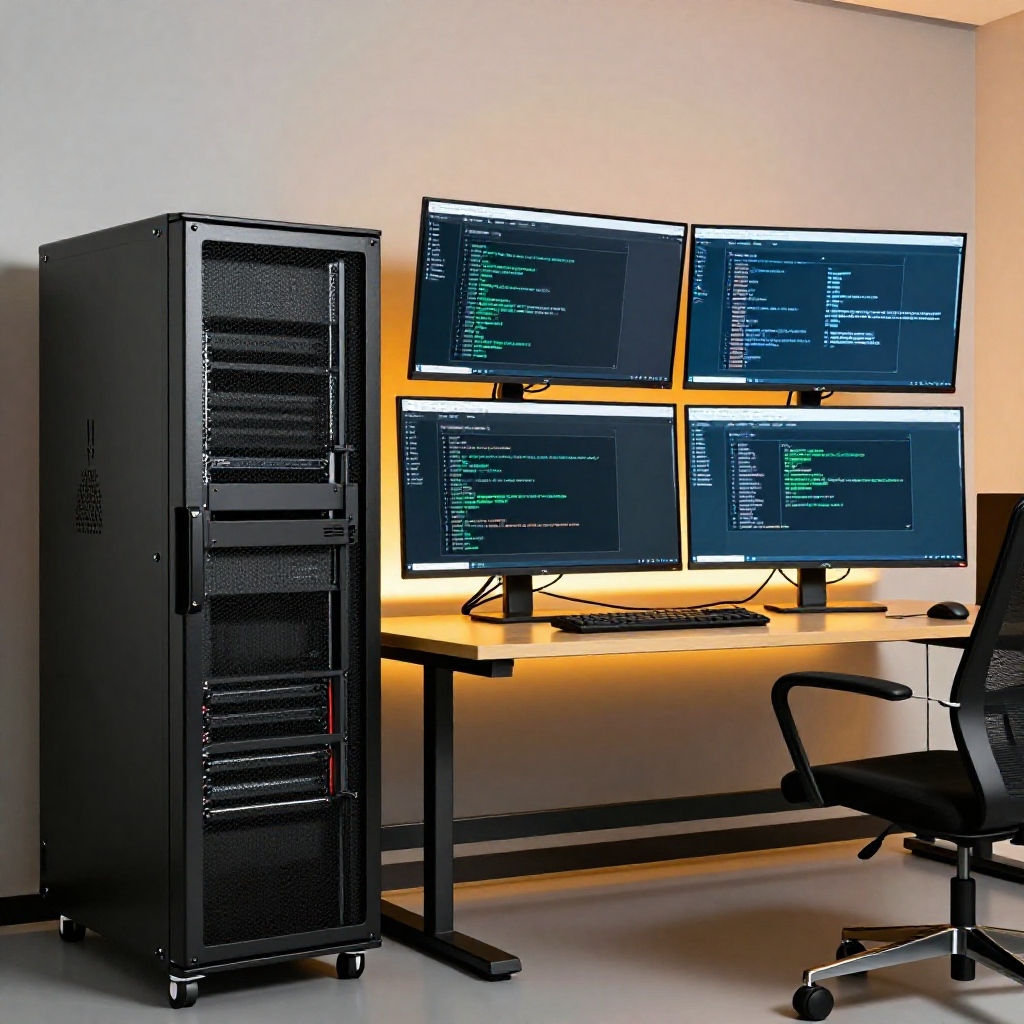
I spent a good chunk of time setting up Hermes Agent for my home lab, and there’s a lot to get right before it becomes genuinely useful. This is my take on how to set it up and what’s actually useful once it’s running.
What Hermes Agent Is
Hermes Agent is an open-source AI agent framework built by Nous Research. It’s designed to work with local LLMs — no cloud dependency required. It connects to your model through vLLM, Ollama, or any OpenAI-compatible endpoint and gives it a set of tools: terminal access, file system, web search, browser automation, and more.
It’s not a chatbot. It’s a working agent that can run commands, edit files, research, and orchestrate complex workflows on its own.
Getting It Running
Installation is straightforward. The quick way:
curl -fsSL https://raw.githubusercontent.com/NousResearch/hermes-agent/main/scripts/install.sh | bash
Then run the setup wizard:
hermes setup
It walks you through model providers, API keys, and tool configuration. For local-only setups, point it at your inference endpoint. For cloud, set an API key with any supported provider.
My setup points at Qwen 3.6 27B running locally through vLLM on an RTX PRO 6000 Max-Q. It handles everything from coding tasks to research to managing my homelab.
Real-World Use
But it’s not all smooth sailing. I’ve put this through its paces on real tasks and found a few rough spots.
SSH integration was one of them. Getting the agent to handle remote server work reliably took some trial and error — connection handling, key management, and session state weren’t always what I expected. Portainer integration had similar hiccups; orchestrating container management through the agent worked, but it needed more hand-holding than I’d liked.
Then there’s the GPU reality. Running image generation through ComfyUI while a large model is loaded for inference means every megabyte of VRAM is contested territory. When the agent tries to generate images and the GPUs are already pushed, things get tight. That’s where the MCP server has been a game-changer — it gives the agent access to remote GPU resources without eating into the VRAM I need for my local models. Offloading image work to a separate server keeps the whole system from bottlenecking.
These aren’t reasons to walk away. They’re the kind of growing pains that come with working at the edge of what these tools can do. The project is already addressing them, and every update makes the whole stack more capable.
Tools That Make It Worth It
Where Hermes really shines is the tool ecosystem. Here are the ones I use most:
Terminal — The most-used tool by far. The agent runs shell commands, installs packages, manages files. It’s how most of the work actually gets done.
Web search and extraction — When the agent needs information it doesn’t already have, it searches and reads web pages on its own. Combined with a local model, this keeps everything private.
Browser automation — Through Camoufox, the agent can interact with websites that require JavaScript rendering, bypass bot detection, and handle complex web tasks. This is a huge gap-filler for any local AI setup.
File system — The agent can read, write, and edit files directly. This is essential for the kind of coding and config work I throw at it.
MCP tools — The Model Context Protocol integration lets me extend the agent with custom tools. My MCP server handles image generation, GPU management, and Discord integration — all without touching my main GPU.
Community and What’s Next
The community is large and active, and the project is moving fast. New tools, integrations, and improvements land regularly. The Discord is the place to be for real-time discussion and help.
Full docs: hermes-agent.nousresearch.com/docs
GitHub: github.com/NousResearch/hermes-agent
If you’re building anything technical, it’s worth the time to set up properly.
Projects mentioned: Hermes Agent on GitHub • Camoufox on GitHub • Full Documentation